
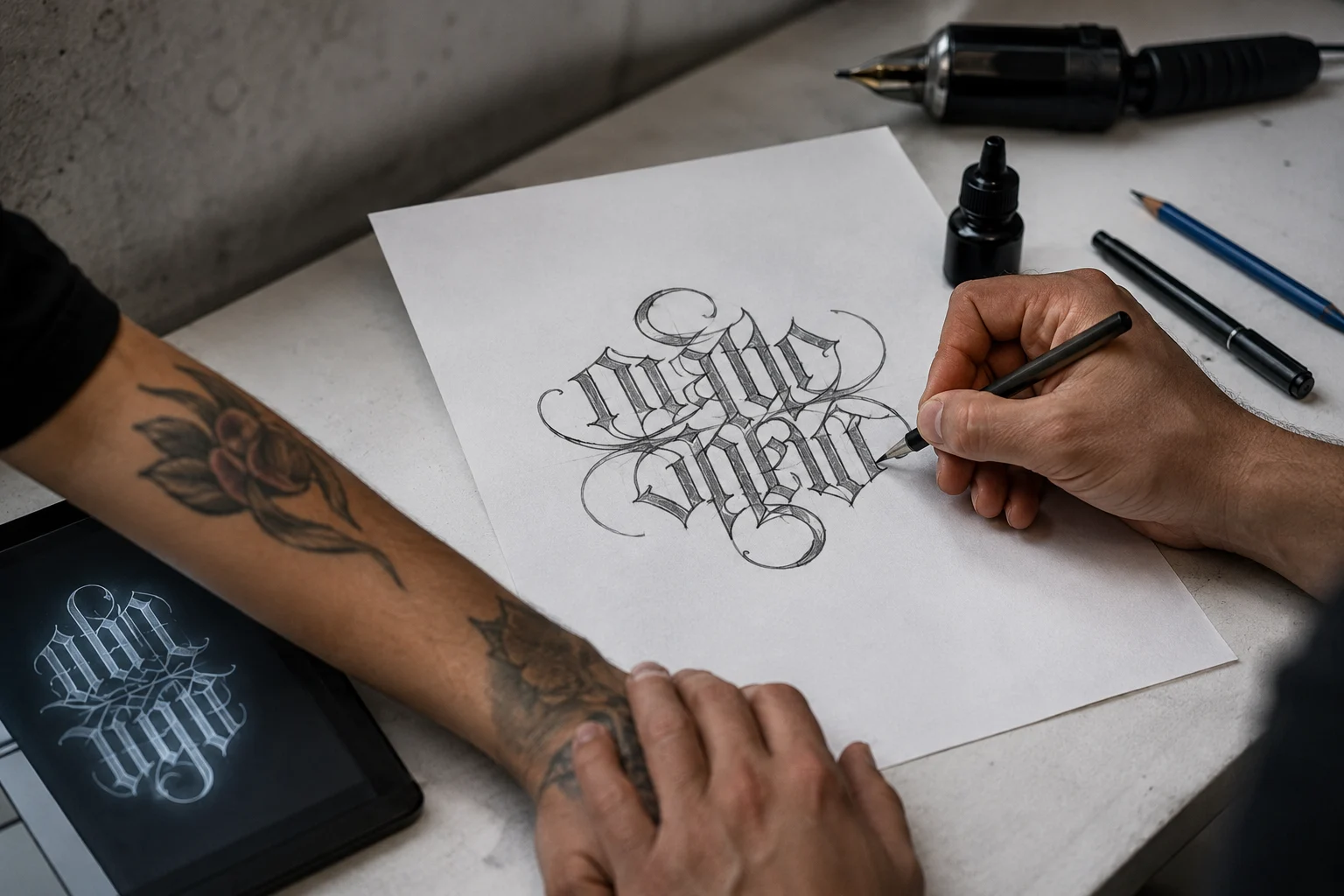
How to Design an Ambigram Tattoo
Ambigram tattoos have a bit of magic to them — read the word one way, flip it, and it still reads, sometimes as the same word, sometimes as something else entirely. It’s part optical illusion, part typography, and part personal meaning, which is exactly why people get drawn to them in the first place.
A name that becomes a promise upside down, or a single word that changes depending on which way you’re looking at it — there’s something genuinely satisfying about a tattoo that rewards a second look. But that same cleverness is also what makes ambigrams one of the easiest tattoo styles to get wrong.
A design that looks sharp and balanced on a screen can easily turn into a smudge once it’s scaled down onto skin, especially if the letterforms weren’t built with a real tattoo in mind. Here’s how to design one that actually holds up — both the day you get it and years down the line.
Start
Designing
in Seconds
Create stylish ambigram designs for names, tattoos, words and logo ideas.

What Makes an Ambigram Different
A regular script tattoo only needs to work from one angle. An ambigram has to work from two, using nothing but the letterforms themselves.
Rotational Ambigrams
You rotate the word 180 degrees and it still reads clearly. This is the classic style, popular on forearms and wrists, since you can read it looking down while others read it normally facing you.
Mirror Ambigrams
The word flips across an axis like a reflection. These suit symmetrical placements — down the spine, or split across two arms so the design “meets” when your arms come together.
Try Your Tattoo Word
Things to Decide Before You Sketch Anything
- The exact word or phrase — shorter words give you far more flexibility.
- Same word both ways, or two different words? Same-word designs are usually more forgiving.
- Placement, since it determines orientation and whether the flip even makes sense on your body.
- Actual size, not the size it looks on a screen — fine strokes that look great at four inches can turn to mush at one inch.
- How it will age, since thin lines soften and blur faster than bold ones.
- Thinkhow it will age over time.
- Set the actual Size.
Mistakes to Avoid
- Picking a word first and hoping it flips later.
- Going too small for the detail the design needs.
- Ignoring how thin lines age over the years.
- Hiring an artist based on style alone, without lettering experience.


Designing It, Step by Step
1. Pick a Word With Ambigram Potential
Letters like O, S, X, Z, N, and H flip more naturally than R, K, or Q. Check early whether your word is realistic before getting attached to it.
2. Choose the Style That Fits the Meaning
Rotational suits ideas about perspective or duality; mirror suits balance or connection between two things.
3. Test It Digitally First
Sketch it, flip it, and genuinely check it holds up — on paper, in a mirror, or with an online ambigram generator to preview font and rotation options before paying for custom work.
4. Bring In a Lettering Specialist
Ambigrams need hand adjustments a generator can’t make. Look for artists with lettering or calligraphy in their portfolio, not just a style you like.
5. Lock Down Placement and Size Together
Test a printed stencil on your skin for a few days — what works on paper can read differently on a curved surface like a wrist or calf.
Frequently Asked Questions
The quick answers most people are looking for.
Do all words work as ambigrams?
No — some flip naturally because of their letters, others need heavy stylizing or simply don’t work as written.
Can I combine two different names into one ambigram?
Yes, though it’s harder than a single word. It depends on how much the letter shapes overlap.
Can I design my own without hiring a specialist?
For simple single words, an ambigram generator gets you close. Anything with fine detail usually needs a specialist’s refinement.
Is rotational or mirror easier to get right?
Rotational is generally more forgiving, especially for single words, since there’s more flexibility in reshaping letters.
Do I need design skills to make an ambigram?
No. With the right tool you can test different versions of a word and compare the results instantly, without needing to sketch or hand-letter anything yourself.